What's New in Namaste FPGA V6? A Complete Walkthrough

On this page · 7 sections
Meet Namaste FPGA V6: A Better Way to Learn
Namaste FPGA Version 6 brings course recommendations, a refreshed learning workspace and redesigned pages. Here’s what’s new—and how to make the most of it.
Watch the V6 walkthrough
Watch the walkthrough on YouTube
Find your next course
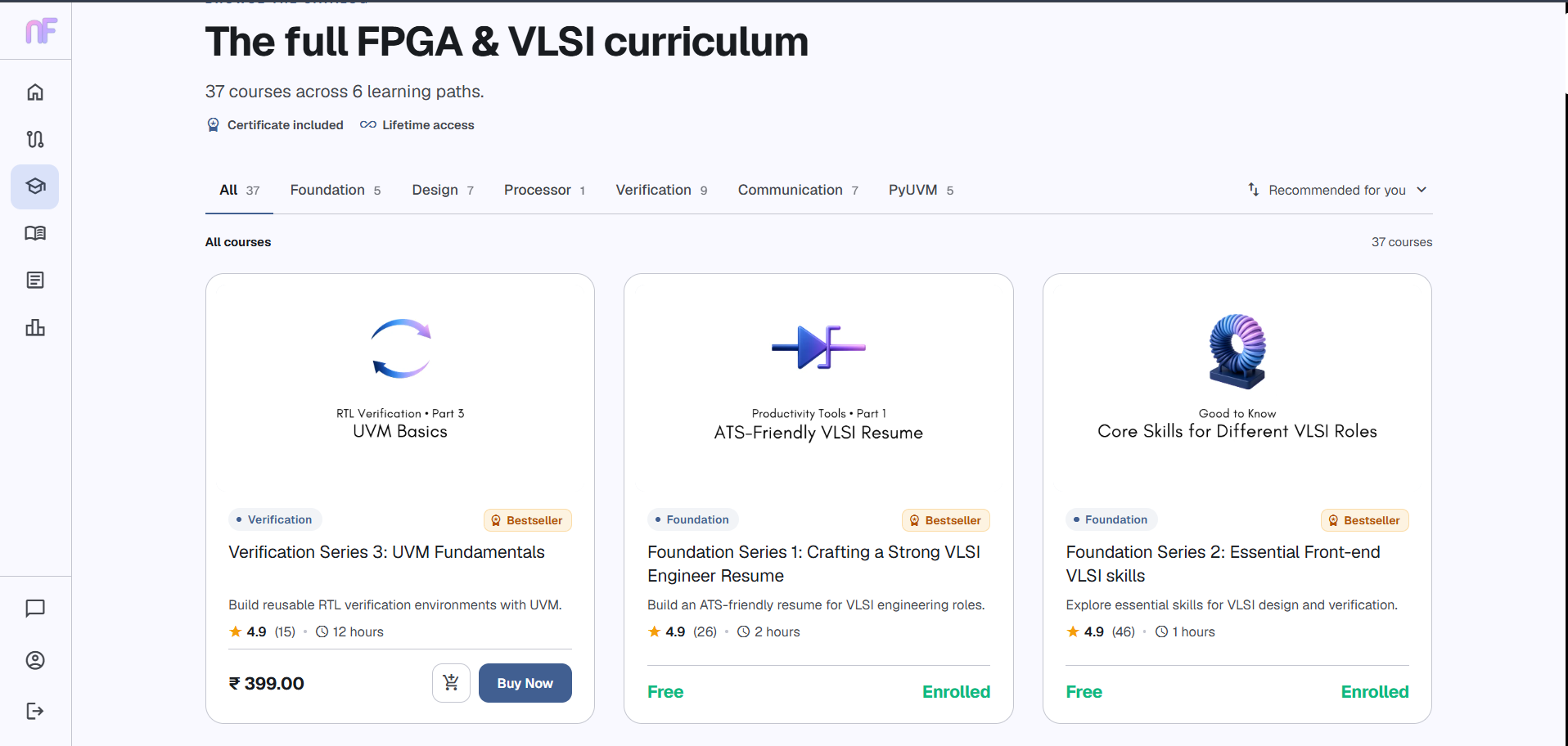
Not sure what to learn next? Our recommendation engine suggests courses based on your enrollments and learning patterns from other Namaste FPGA students. Suggestions evolve as you explore more courses, and new learners can discover useful starting points too.
For a structured route, explore Learning Paths across Foundation, Design, Verification, Processor, Communication and PyUVM. Use recommendations to choose your next step and paths to understand the bigger picture.
Pick up where you left off
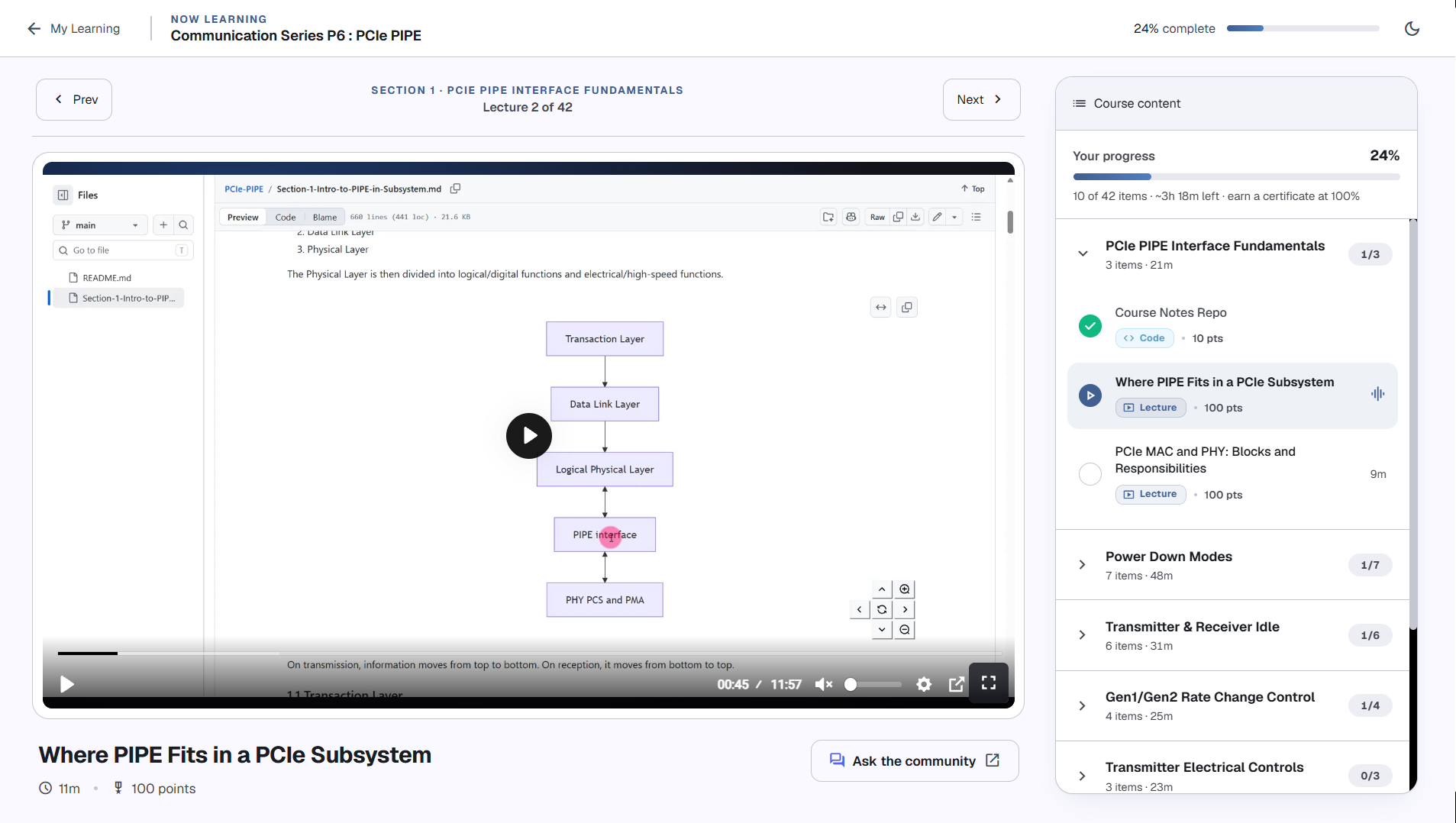
The updated My Learning page helps you return to your recently accessed content without searching through the course again.
Inside the learning workspace, the lesson player, course outline and progress tracking sit together. When a video ends, autoplay moves you to the next content item after a five-second countdown. Select Play now to continue immediately.
Control playback with your keyboard
First, give the Bunny.net player keyboard focus. Press Tab until a control inside the player has a visible focus outline.
- With the playback or seek/time control focused, use Space to pause or resume.
- With the seek/time control focused, use 1–9 to jump to approximately 10%–90% of the video.
- Use Tab to move between controls and Space to activate the selected control.
- Press Escape to leave the player’s full-screen view.
If a shortcut doesn’t respond, check where the focus outline is. The video being visible does not automatically give it keyboard focus.
Explore a fresh look throughout
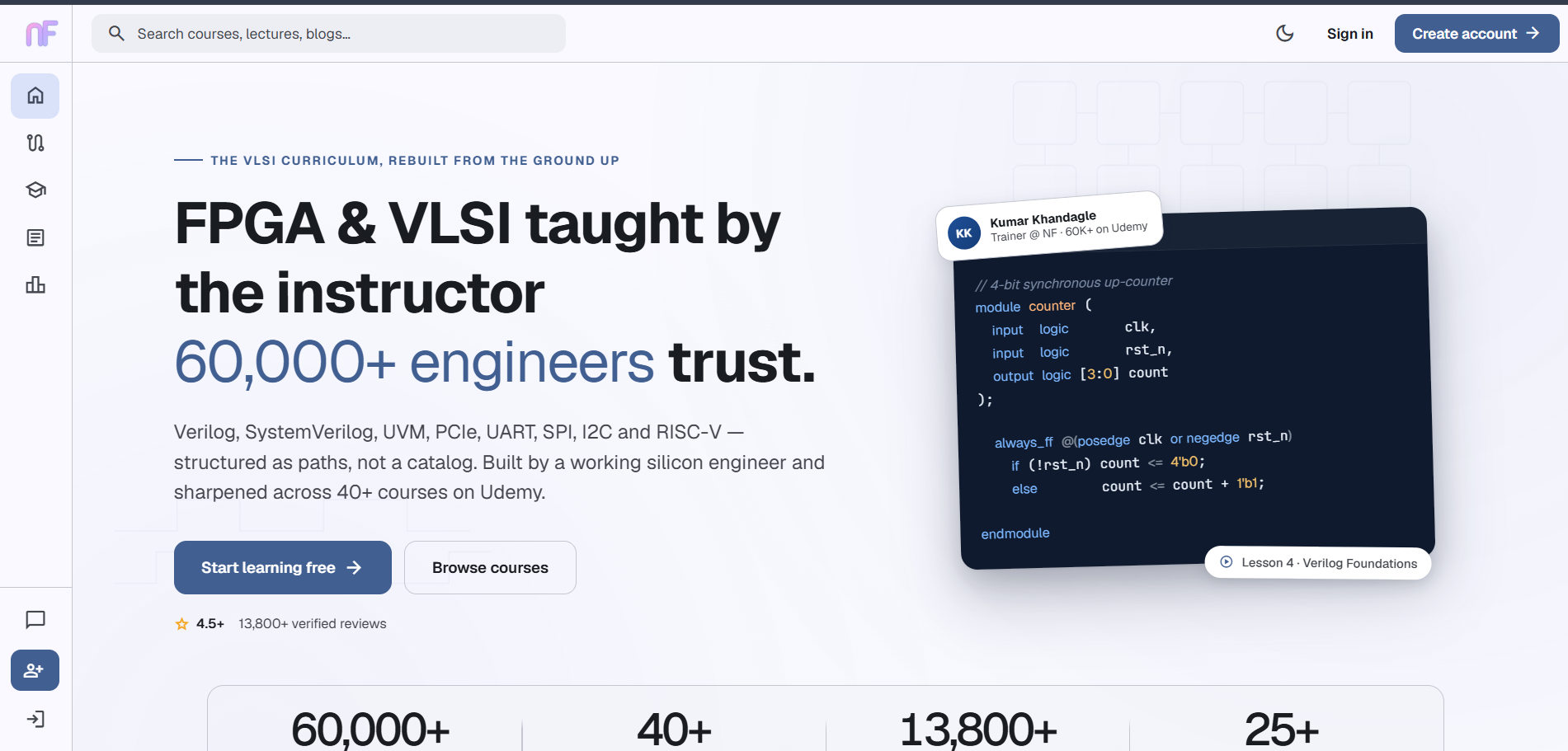
V6 introduces redesigned pages, clearer navigation and light and dark appearance options. You’ll also find:
- Homepage updates: new courses, offers and platform announcements in one place.
- Course filters: browse by learning area and recognize course sequences through series and part labels.
- Organized Reads: find technical articles by category in a cleaner reading layout.
- Progress insights: follow your points, streaks and monthly rank. Earn 200 points in a day to earn a streak day.
- Profile tools: access certificates and check payment history. If a payment remains unclear, contact support before paying again.
Try it on your next visit
Resume a lesson, try the keyboard controls and discover your recommended next course. Have feedback? Use Support on the website to tell us what would make learning easier.